Work JDGkit
JDGkit — app and website
An iPhone and Mac app for sole traders: KSeF invoices arrive on the phone on their own, plus VAT, recurring costs and documents. Product, brand, apps and the jdgkit.pl website
Visit websiteA one-person business doesn't have to be an accounting department
JDGkit is our own product: an iPhone app for sole-trader businesses. Business invoices now go through KSeF, and the owner of a sole-trader business gets yet another government system to log in to, just to check who sent an invoice and how much is due.
We turned it around. The app should keep an eye on invoices, payments, recurring costs and VAT, and the person only has to glance at the phone. The motto of the whole project: less paperwork, more time for work.
We built everything from scratch: the product concept, the brand, the iPhone app, the Mac app, the KSeF integration, the jdgkit.pl website and the App Store materials. JDGkit is on the App Store and JDGkit Drop on the Mac App Store.
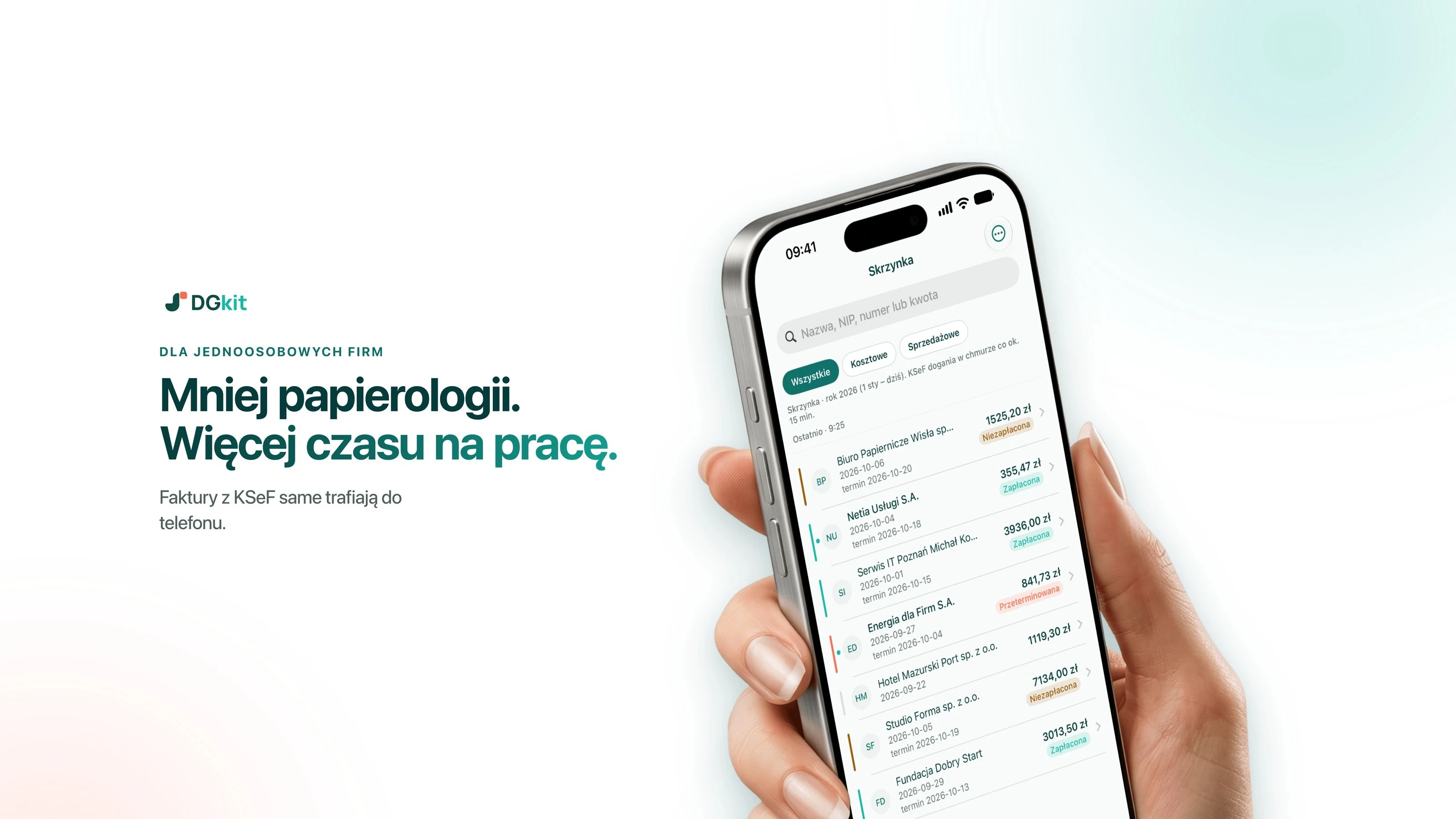
The KSeF invoice arrives on its own. You scan a receipt with one tap
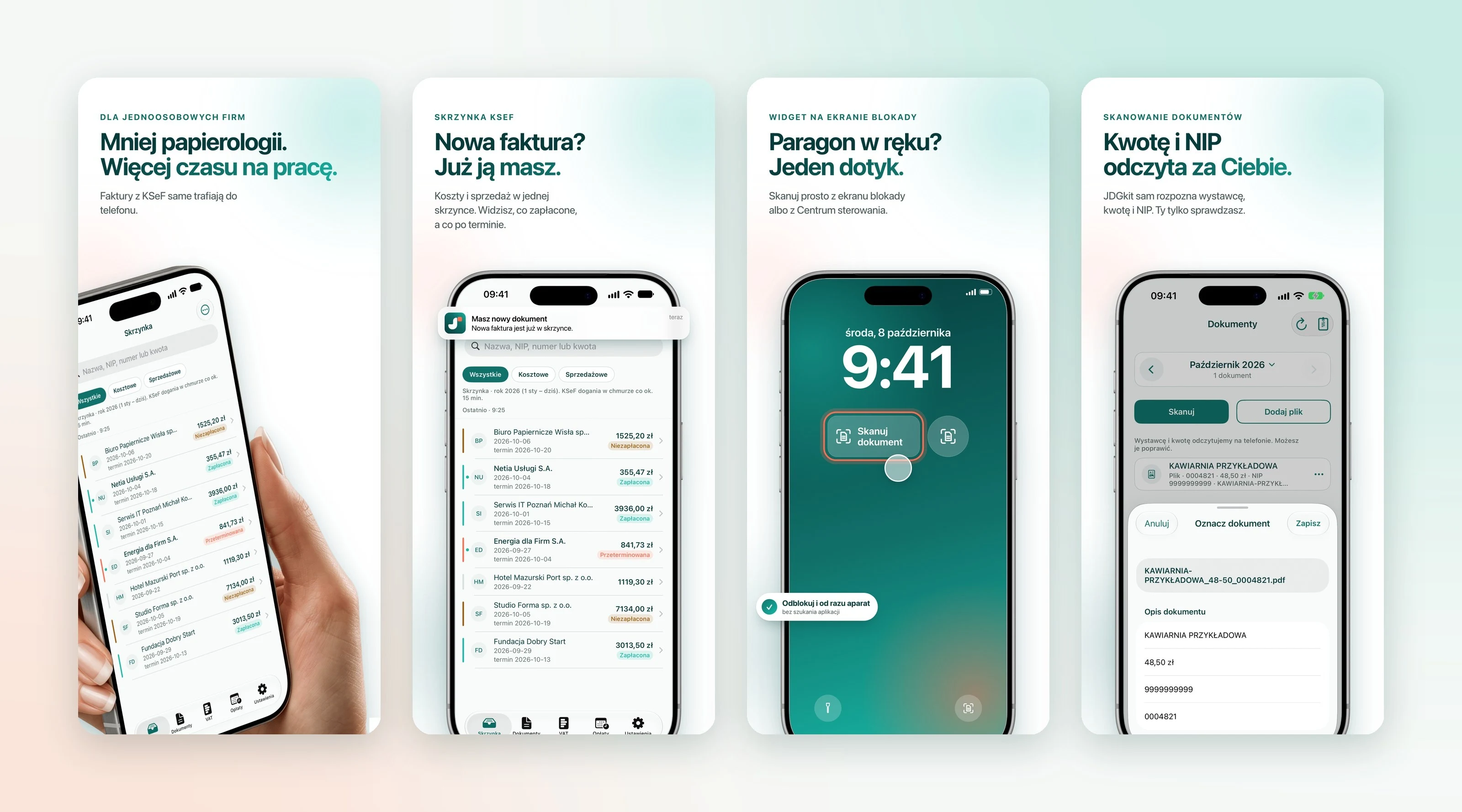
JDGkit checks KSeF about every 15 minutes and sends a notification when a new document appears. Cost and sales invoices sit in one inbox. You can search them by name, tax ID, number or amount, and colours show at a glance what is paid and what is overdue.
Paper receipts don't go through KSeF, so we gave them a separate, shortest possible path. A shortcut on the lock screen, Face ID and the camera right away. The app reads the issuer, amount and tax ID on its own, and the user only checks and saves. The same shortcut works from Control Center, from the Action button and through Siri.
Costs, VAT and reminders before it gets stressful
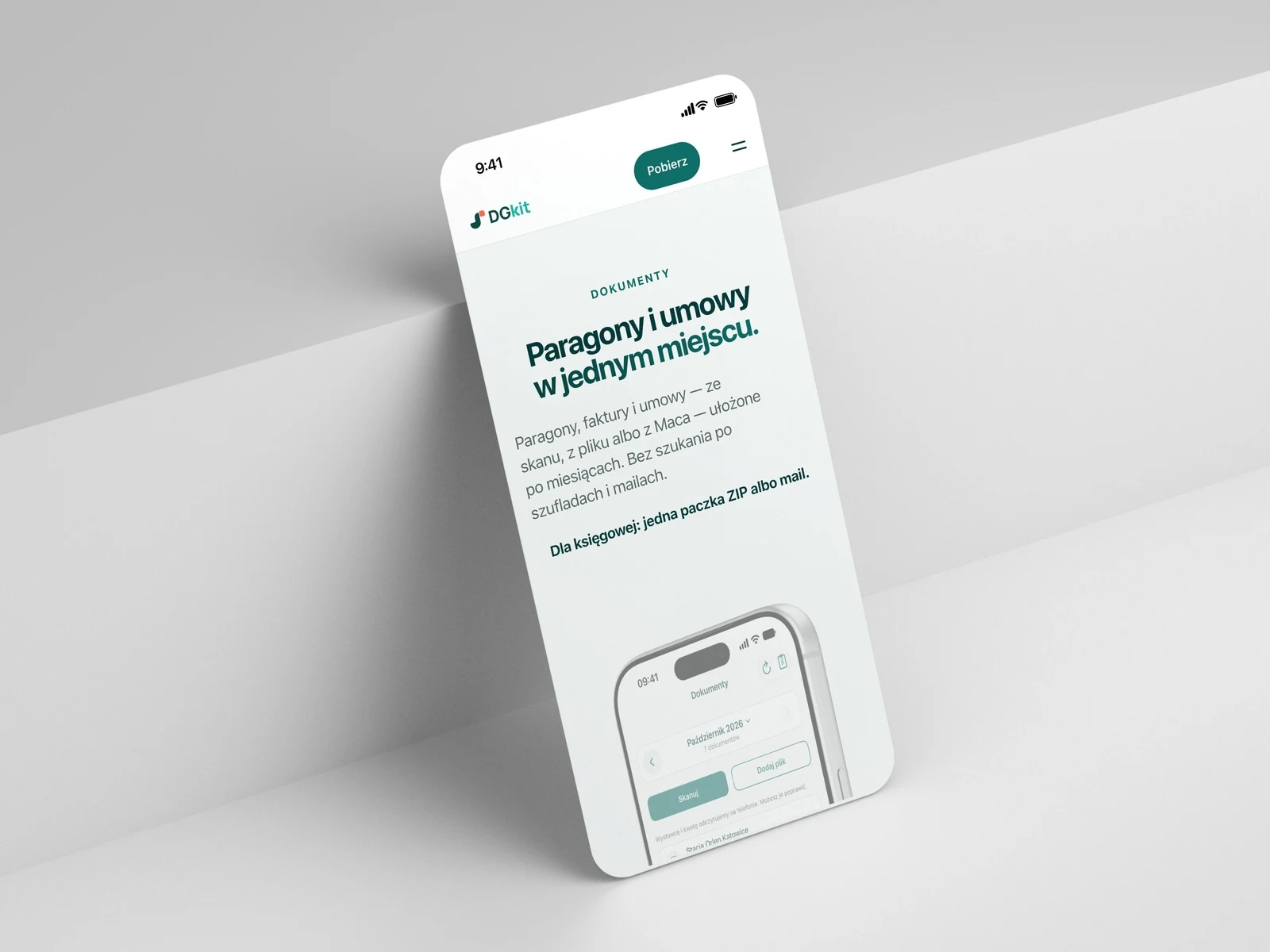
Receipts, invoices and contracts line up by month. For the accountant, one ZIP package or an e-mail from the app is enough.
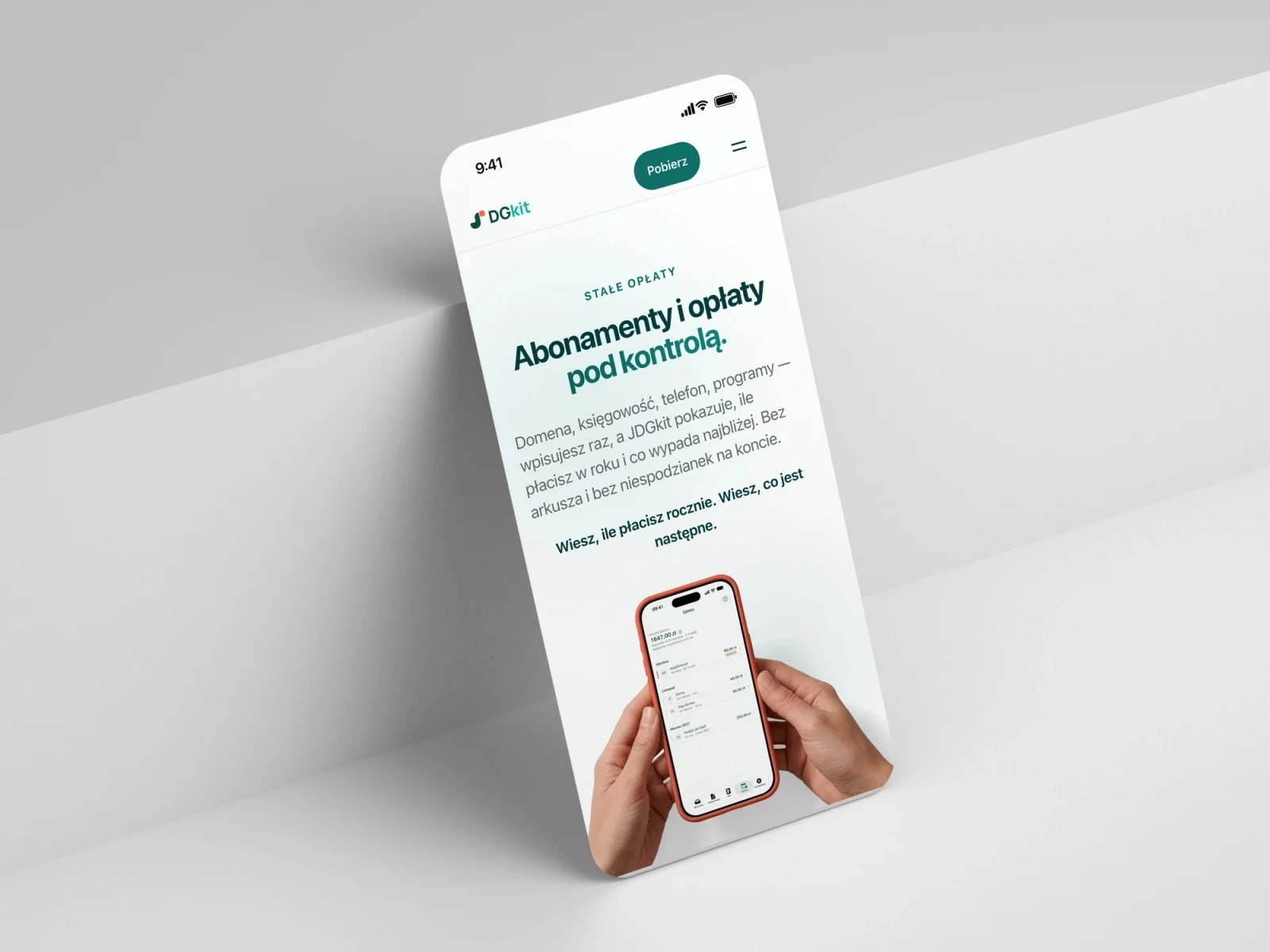
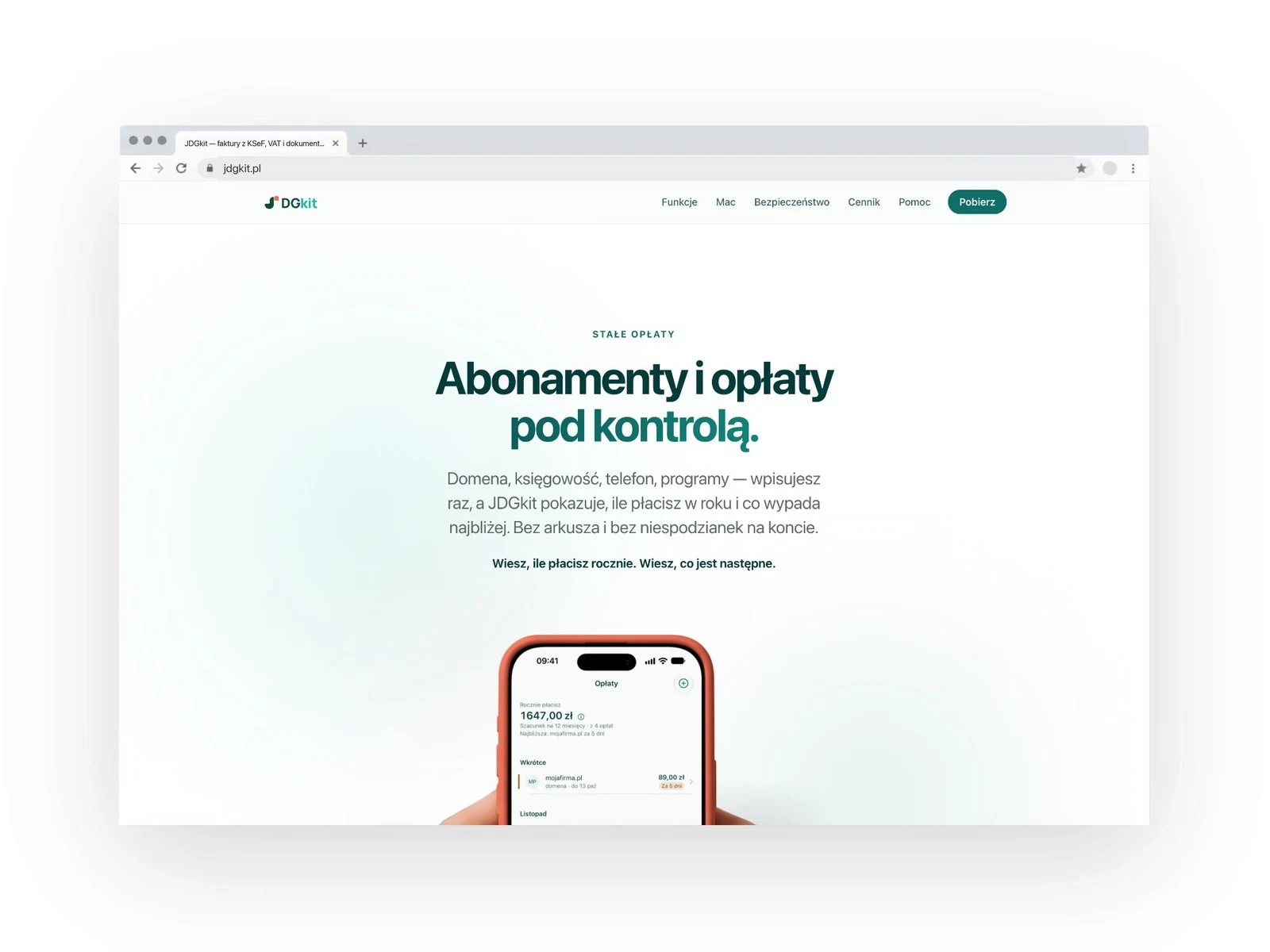
You enter the domain, the invoicing software, the phone or the KSeF signature once. JDGkit shows how much that costs per year and what falls due next. From sales invoices it keeps a running estimate of how much to set aside for VAT, monthly or quarterly. It's an estimate, not a return: the accountant still does the filing.
When a client is late, a polite e-mail with the PDF invoice attached goes out in one move. The user sets the wording of the reminder, and marks an invoice as paid with a swipe.
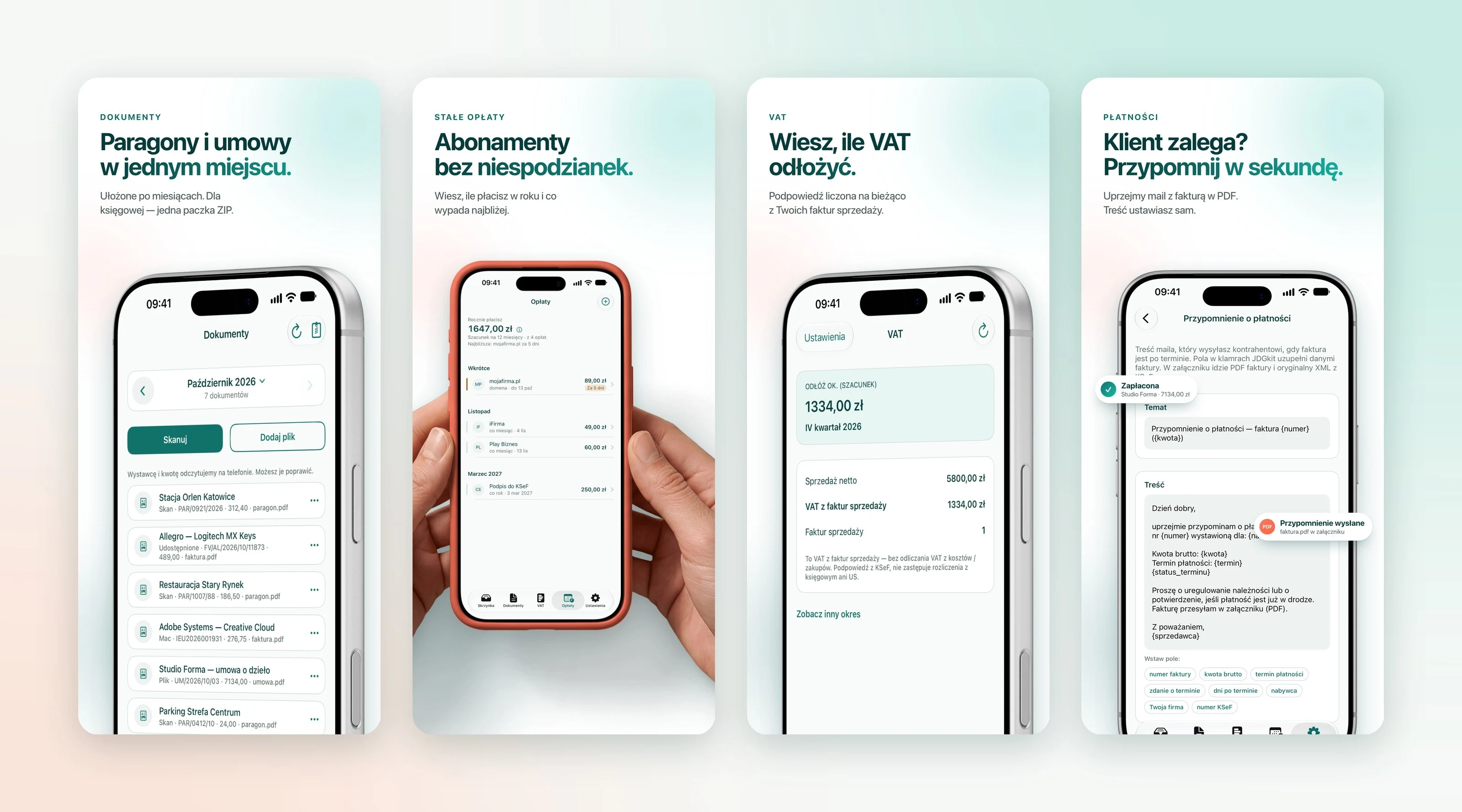
An interface that doesn't look like accounting software
Every screen answers one question: what came in, what to pay, how much to set aside. We write in plain Polish, without jargon, and where something has to be chosen, the app suggests and the user only confirms.
The palette comes straight from the emblem: deep sea green, fresh mint and a coral accent. Coral appears sparingly, only where something needs attention. Invoice statuses, due dates and amounts read at first glance, also on the lock screen.
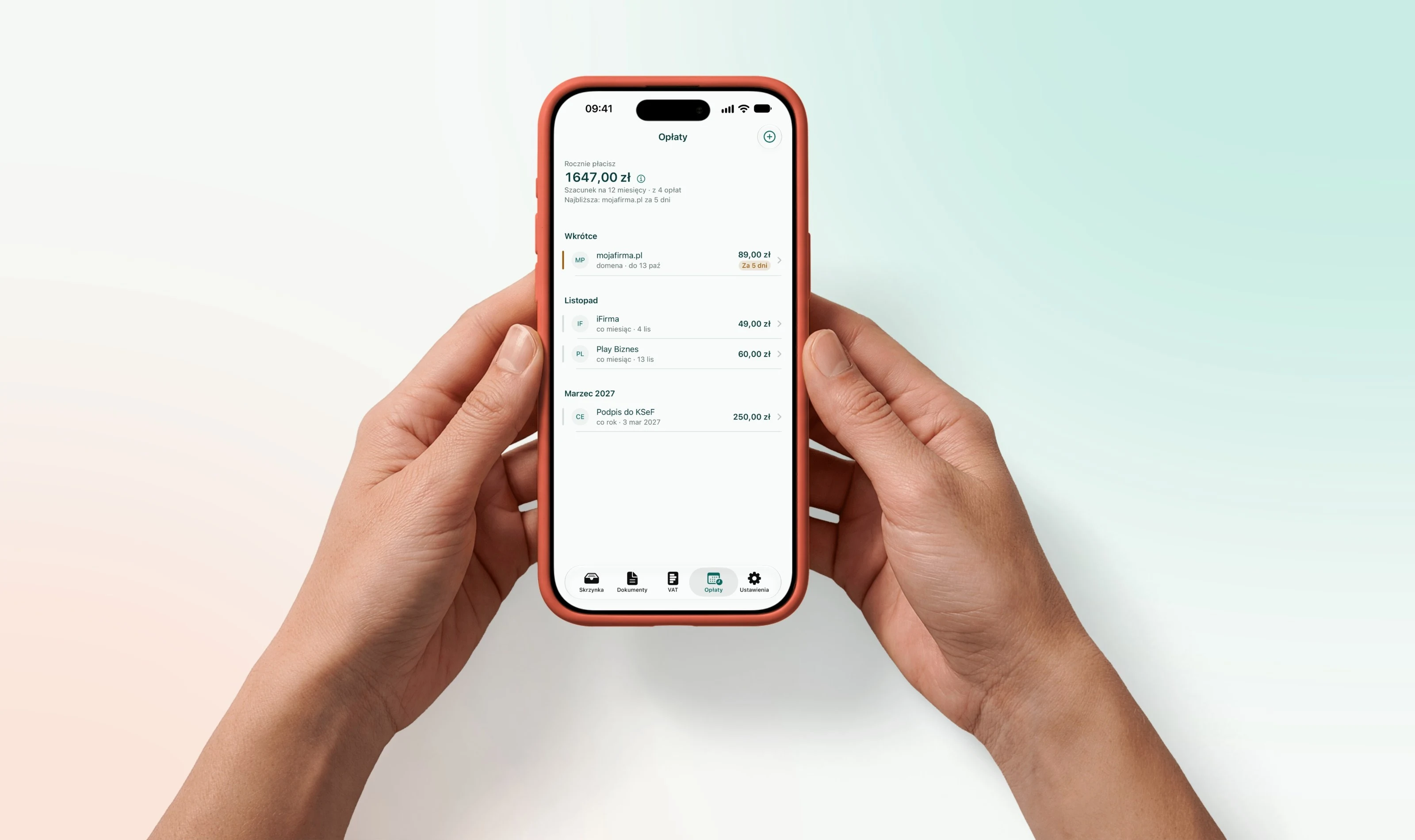
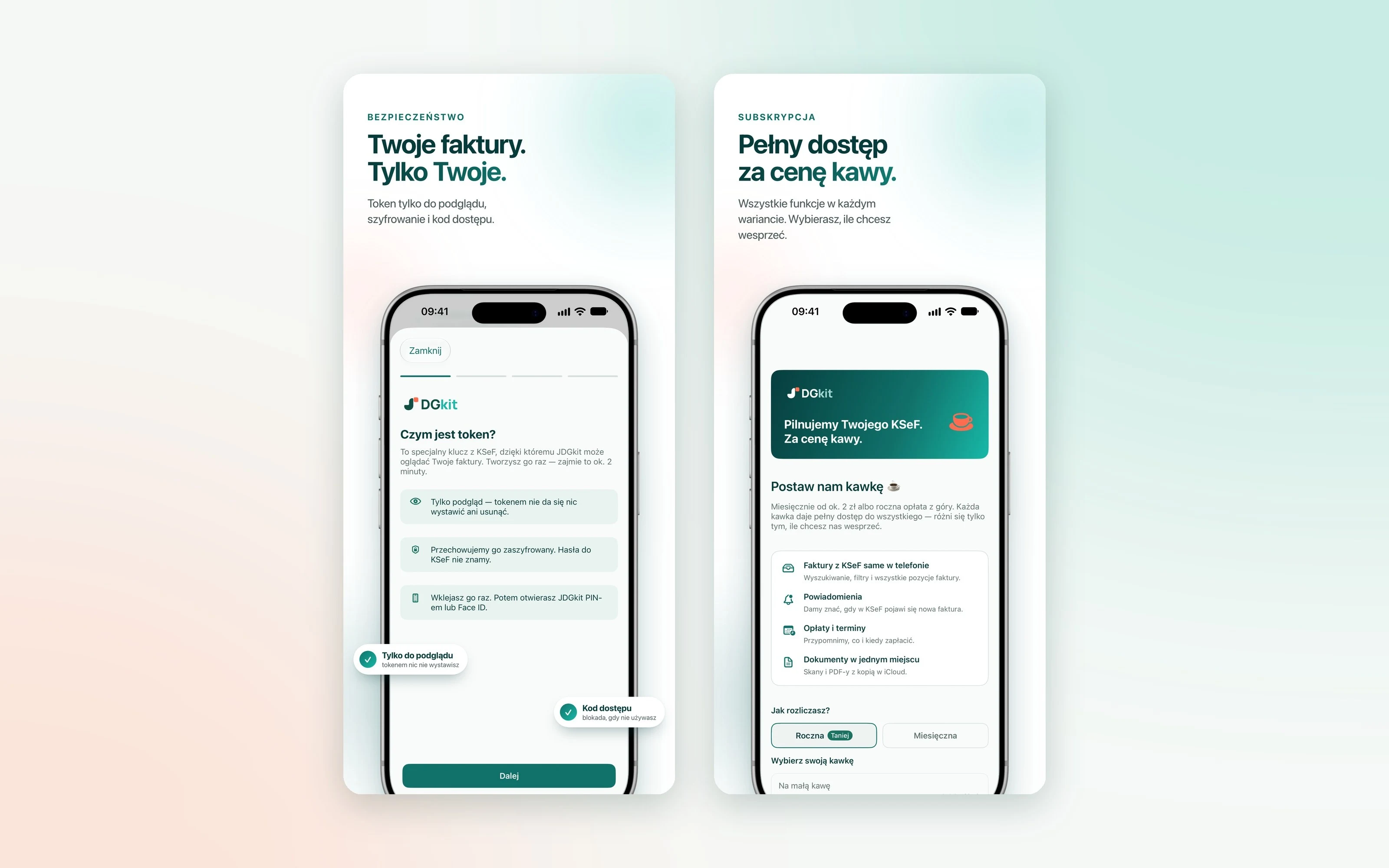
An honest subscription model
The payment model is just as simple. Every subscription variant gives full access to all features and differs only in the amount of support: “for a small coffee”, “for a proper coffee” or “for a coffee and cake”.
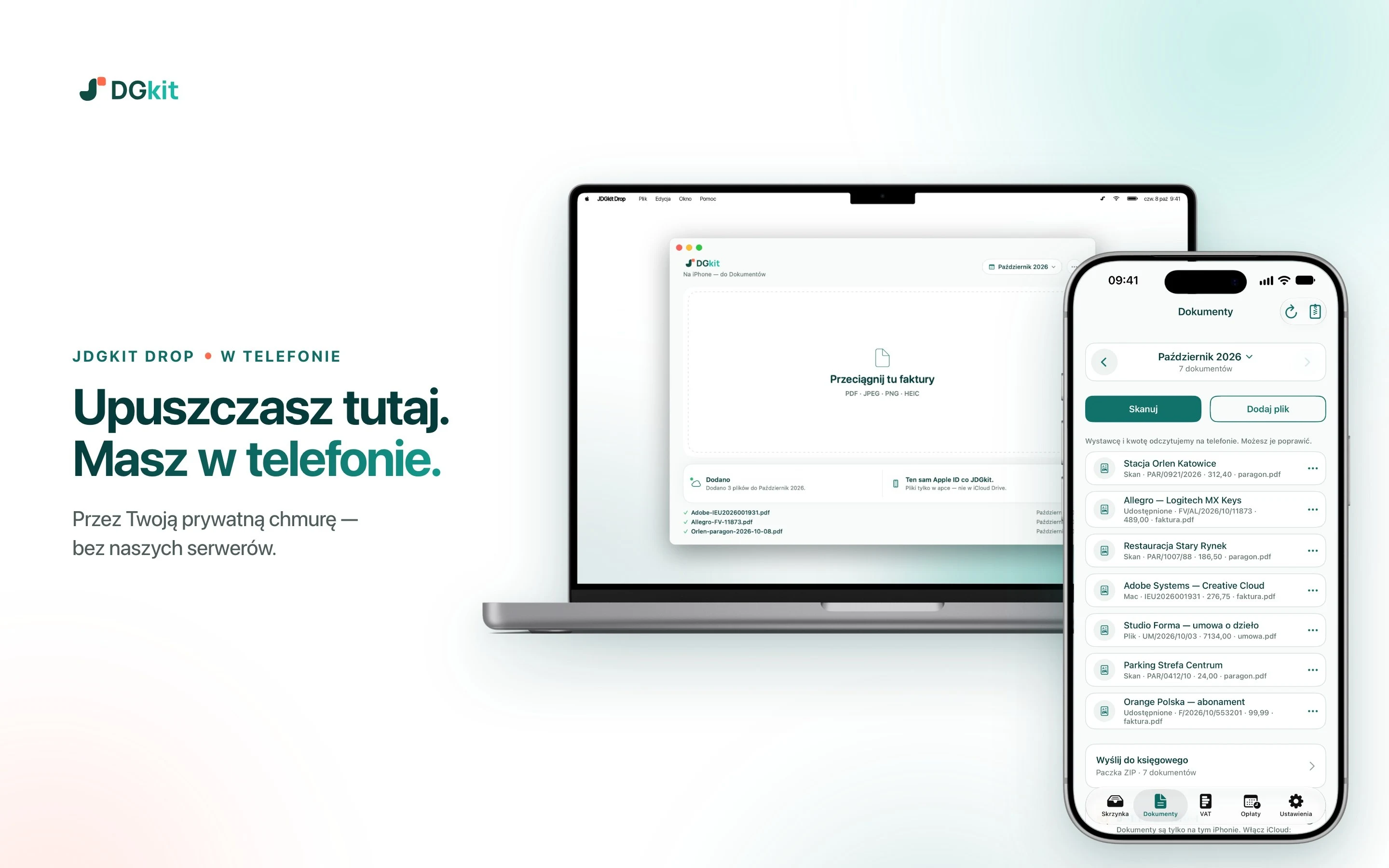
JDGkit Drop: an invoice from an e-mail lands on the iPhone
Some invoices still arrive by e-mail as a PDF, and you collect them at a computer. That's why we made a second app, for the Mac. JDGkit Drop waits in the menu bar: you drag a file, drop it and get back to work.
The document goes to the right month in Documents on the iPhone on its own. JDGkit Drop is free and available on the Mac App Store.
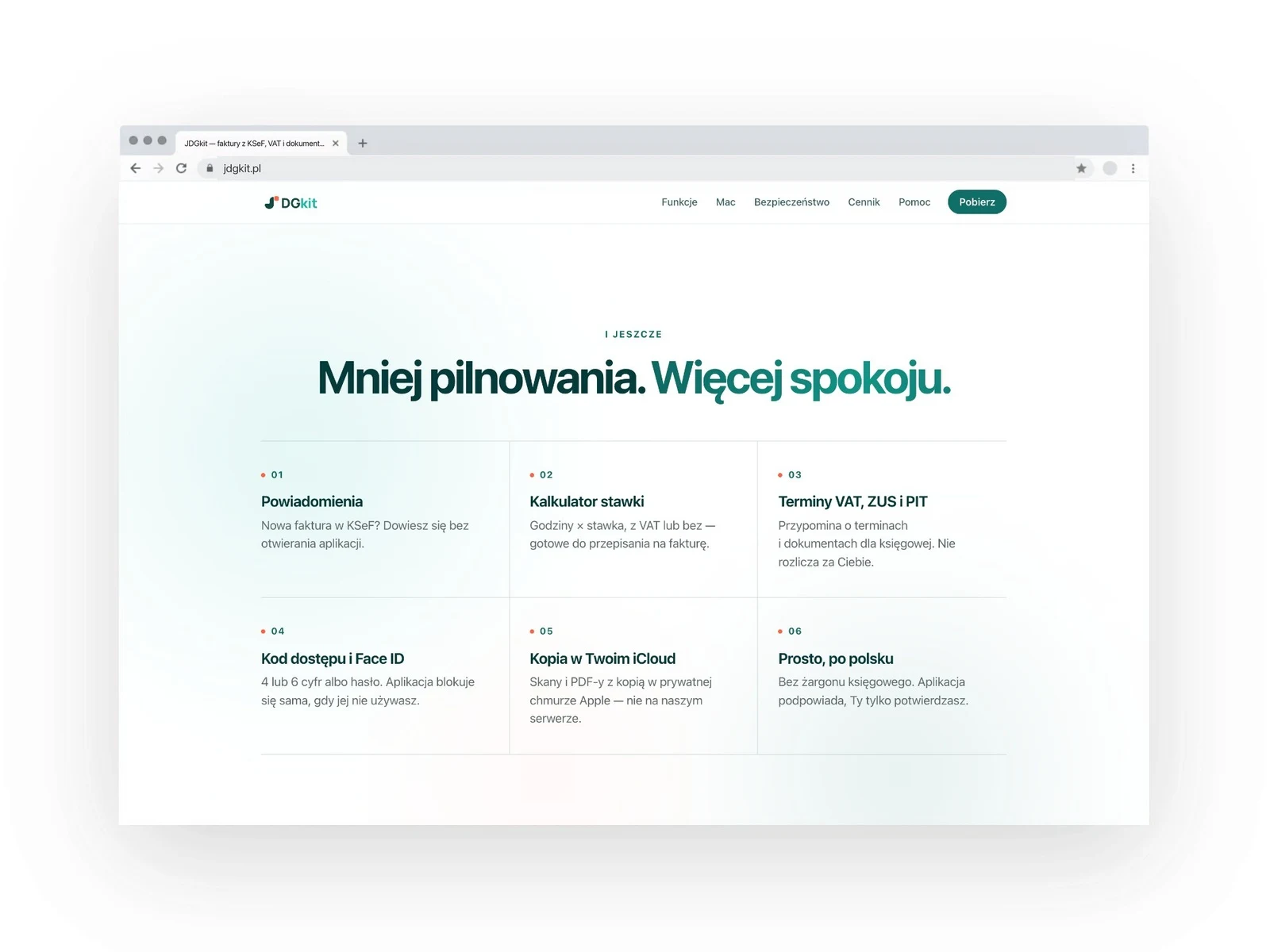
The jdgkit.pl website: every feature is one promise
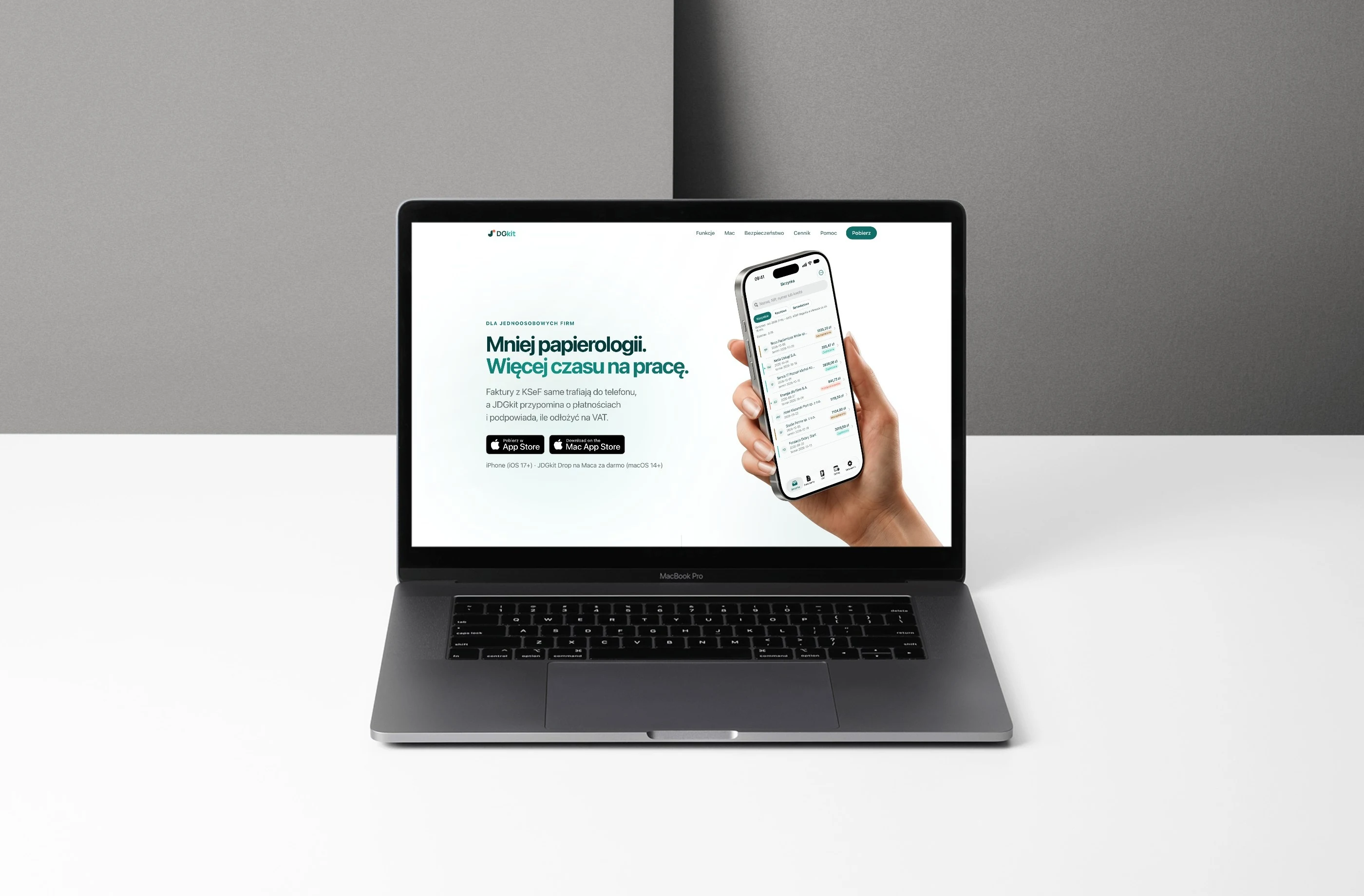
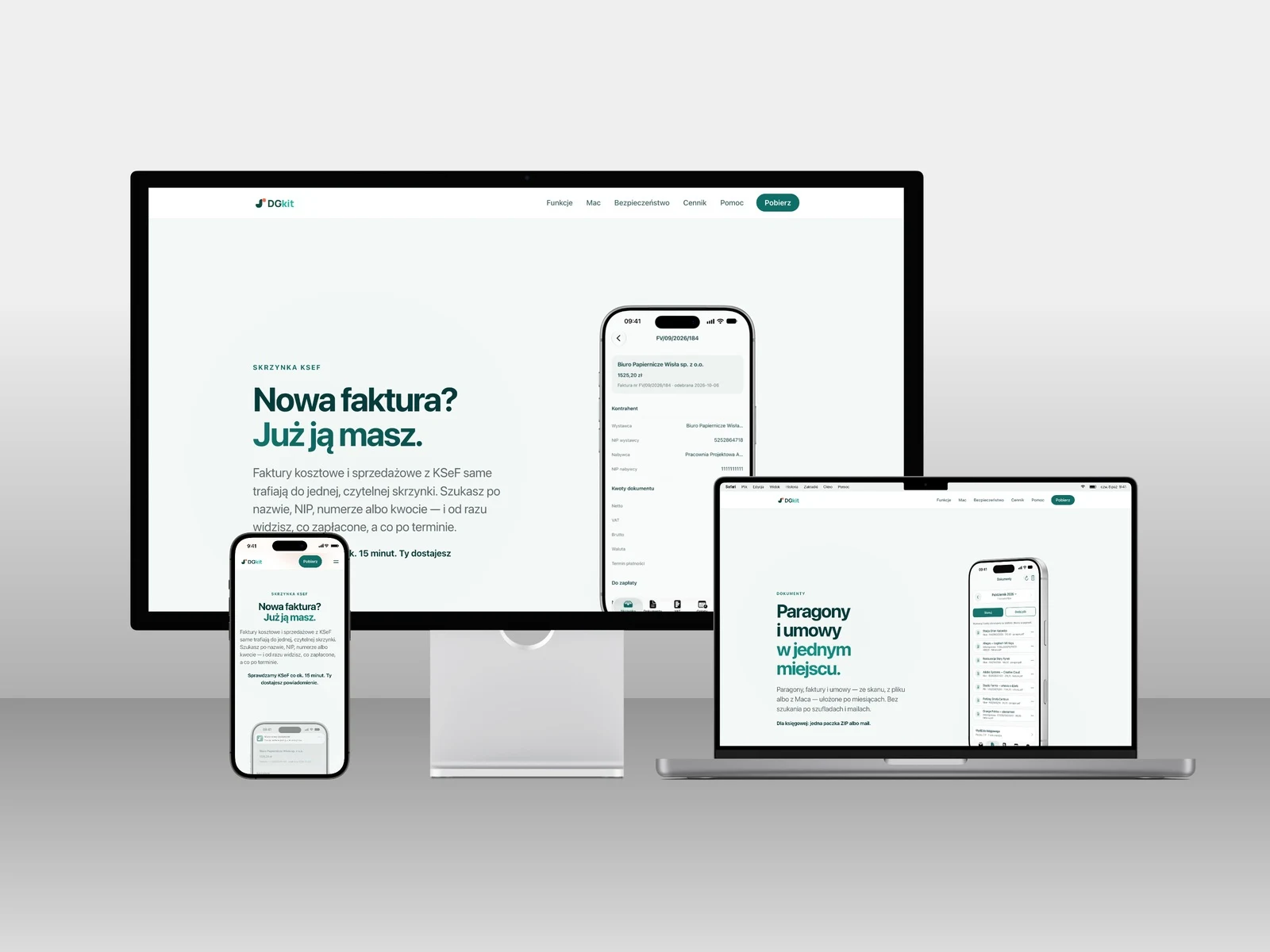
The site leads the way a good App Store presentation does. Each section is one benefit, a short headline and an app screen that proves it: the KSeF inbox, scanning, documents, costs, VAT, payments and JDGkit Drop. The scanning animation replays, step by step, the real flow in the app, from the lock screen to the saved document.
Next come three steps to get started, clear pricing with a yearly or monthly toggle and short answers to the most common questions. At the end, all that's left for the user is to download the app from the App Store.
Fast, readable for Google and good-looking in a link preview
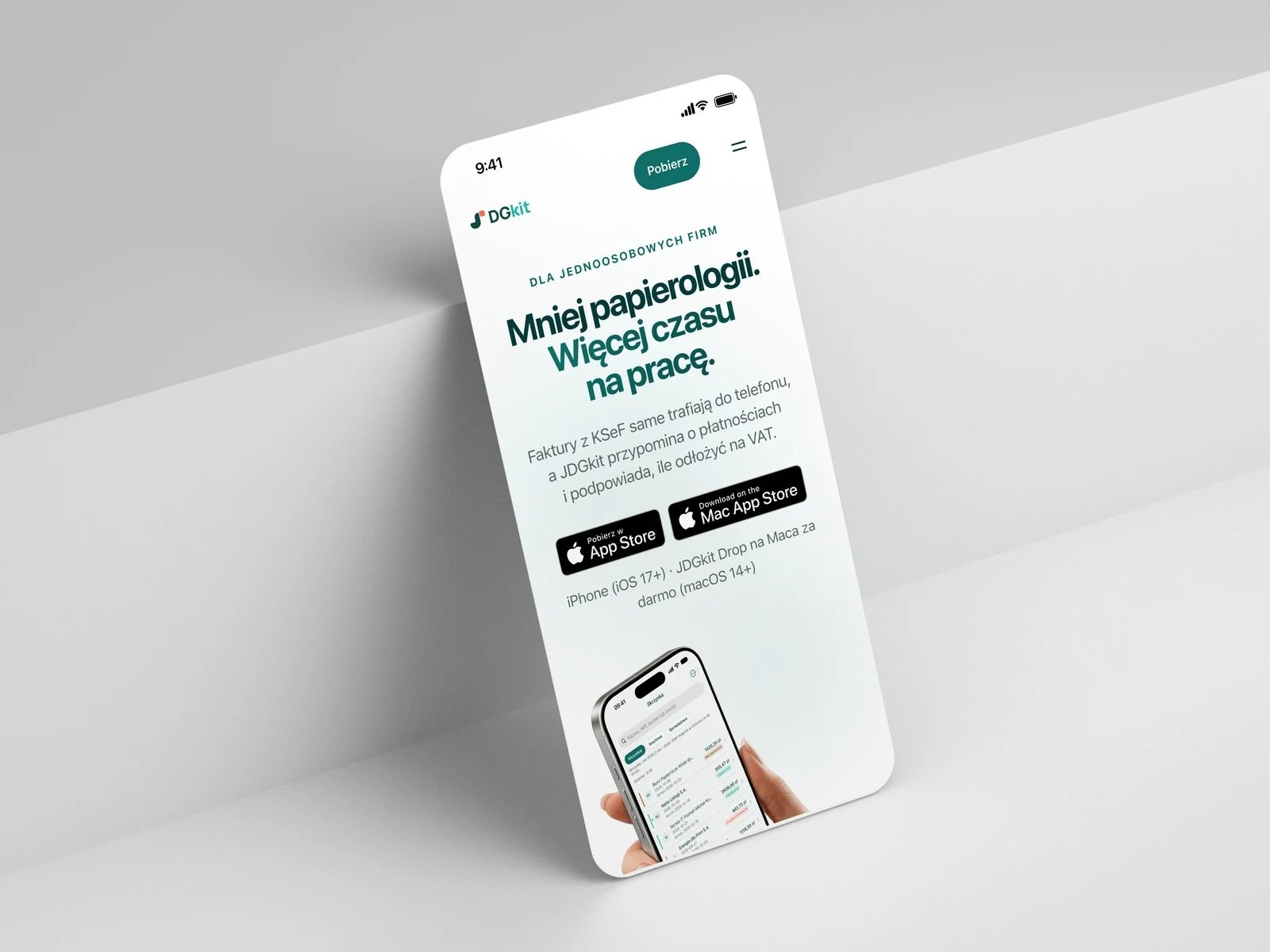
The site is static and light. Mockups are automatically converted to modern image formats, and in Lighthouse tests the desktop version scored 100 points for performance, accessibility and best practices. Every subpage has its own graphic for sharing on Messenger, LinkedIn and iMessage, structured data for Google (apps with prices, FAQ) and a sitemap.
The mockups on the site and in the App Store were made from the same scenes: a silver iPhone, hands, a MacBook and real app screens with demo data. That way the site, the store and the ads look like one brand.
What we did
- product concept, subscription model and user journey
- visual identity: emblem, logo, app icon, palette
- UX/UI design of the iPhone and Mac apps
- iOS app with a scanning widget, notifications and on-phone document reading
- JDGkit Drop macOS app
- KSeF integration
- the jdgkit.pl website with SEO, OG images and legal documents
- screenshots and copy for the App Store and Mac App Store